
~ 8 min read
🤏 Making my tiny e-reader practical: a guide to the Xteink X4
Handwritten by Brie Carranza
A photo of my tiny e-reader on a brick building in downtown Coraopolis.
The first article I saw about the Xteink X4 pitched it as an e-reader you can fit on the back of your phone since it’s MagSafe-compatible: so cool! I was immediately interested in having an e-reader as an accessory for my phone. The $69 USD price tag made this even more tempting. I bought the device in February and it’s a serious part of my e-reading workflow now! In this post, I’m sharing how I made this tiny e-reader more than just a cool accessory for my phone.
I hope you find this useful if you’re curious about this super cool gadget! With the right firmware, the Xteink X4 could be enough to be your only e-reader, but I think it works best as an additional e-reader. I often leave my main e-reader (PocketBook Verse Pro) at home and bring the tiny e-reader when I shop, hike or bike. This lets me read in a notification-free environment while preserving my phone battery.
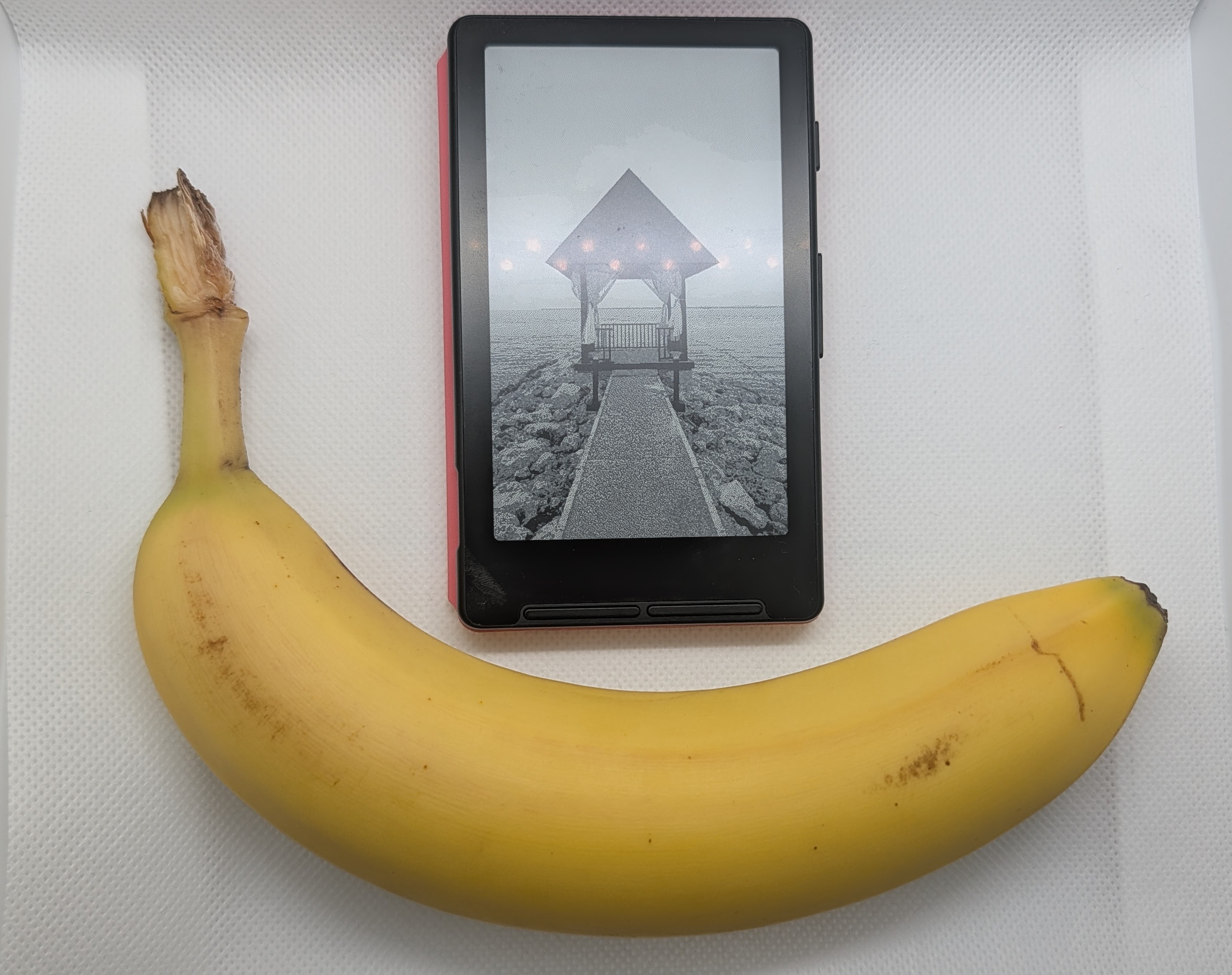
Xteink X4, with a banana — the preferred reference unit of the Internet — for scale.
🧰 Tools
Over the course of the months I’ve spent getting acquainted with the Xteink X4, these are the tools I’ve come to rely on.
Better Firmware
- crosspoint-reader — Firmware for the Xteink X4 e-paper display reader
- 🚀 Releases | ℹ️ User Guide
- Xteink Flash Tools — A site you can use to backup and flash your tiny e-reader with CrossPoint Reader
I highly recommend using crosspoint-reader on the Xteink X4. The improvements made by CrossPoint Reader are a big part of why I am happy with the experience using this device. The default firmware works but is rather clunky; every Xteink X4 owner should strongly consider CrossPoint. There are alternatives to crosspoint-reader if you do want something different but they don’t have quite the same adoption rate.
The most promising alternatives are forks of CrossPoint:
- CrossInk which adds reading stats, bookmarking, emoji support and more
- biscuit which turns the device into a general-purpose smart device with a tile-based dashboard, a bunch of networking tools and more
Outside those two, I’ve taken a quick look at the other alternatives and none of the distinguishing features warrant further exploration at this time — in my opinion.
Another point in favor of CrossPoint Reader: you can set up crosspet and have a little virtual pet chicken on your tiny e-reader! (It looks like there might even be a cat option!)
In late April 2026, there were rumblings about some Xteink devices where use of third-party firmware has been restricted. To ensure you get a device that can support CrossPoint Reader (or similar), the best advice is to purchase directly from Xteink or Amazon and to avoid AliExpress. Read more here on Reddit or in this article. I purchased my black Xteink X4 directly from xteink.com on February 2nd, 2026 and had no trouble replacing the firmware.
Wallpapers
- x4ePapers — A collection of downloadable wallpapers for the Xteink X4
- X4 Wallpaper Converter — Website for converting images to
.bmpoptimized for use as Xteink X4 wallpapers/sleep screens - readme.club — Unofficial Xteink community site
- This is a nice source for wallpapers. I browse through the other tools and resources periodically.
Having the right wallpaper keeps the tiny e-reader looking good when it’s not in use.
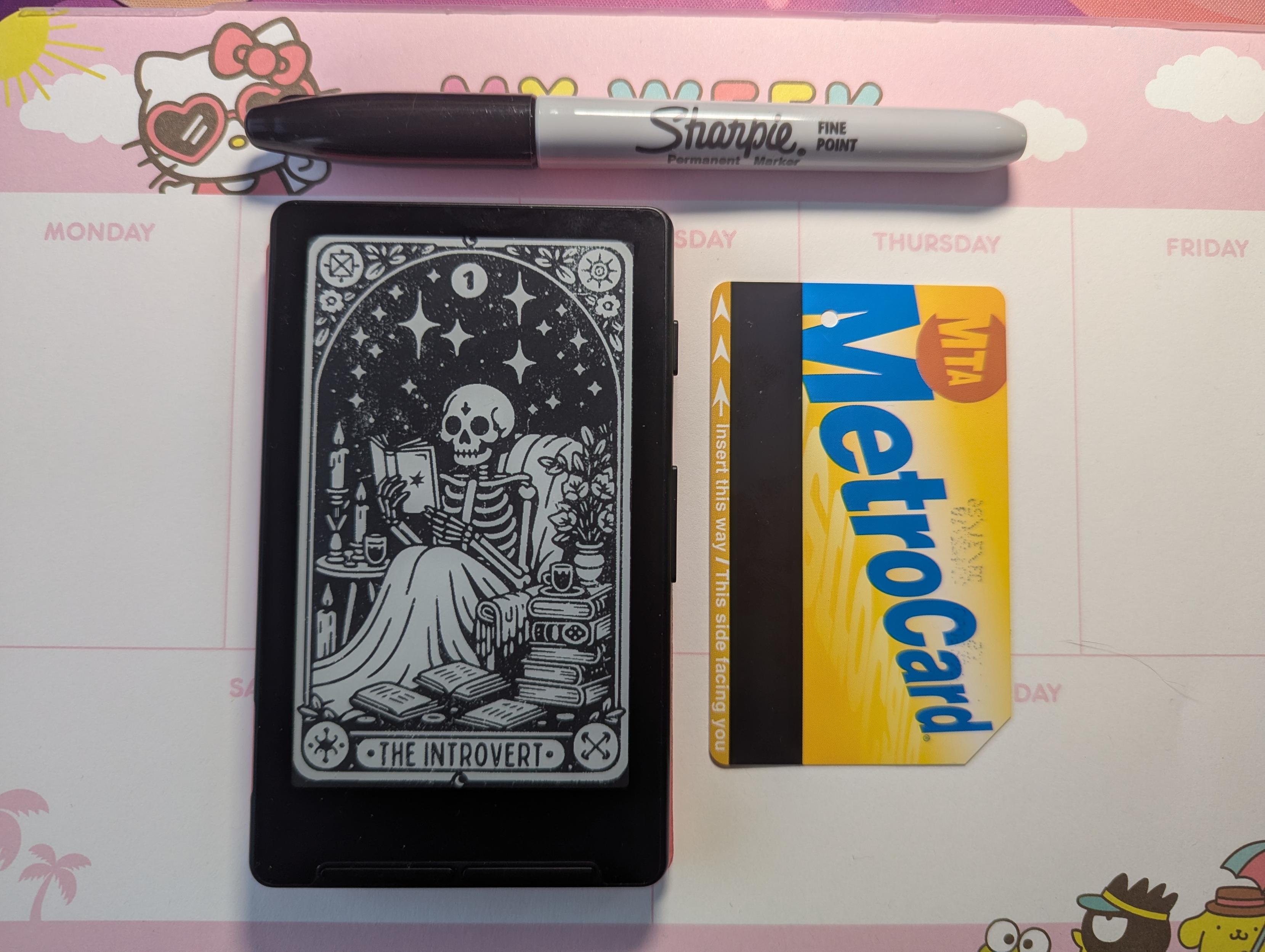
Metro Cards (RIP) and Sharpies are great ways to visualize the actual size of this device.
✨ Configs
🖼️ Customize the wallpaper shown when the device is sleeping
Once you have one or more wallpapers you enjoy transferred to your device, tell CrossPoint to use them as sleep screens.
In the Web UI: Settings > Display > set Sleep Screen to Custom
If you add multiple images, you’ll be greeted with a different image each time the device goes to sleep mode.
🔄 Sync progress with devices using KOReader
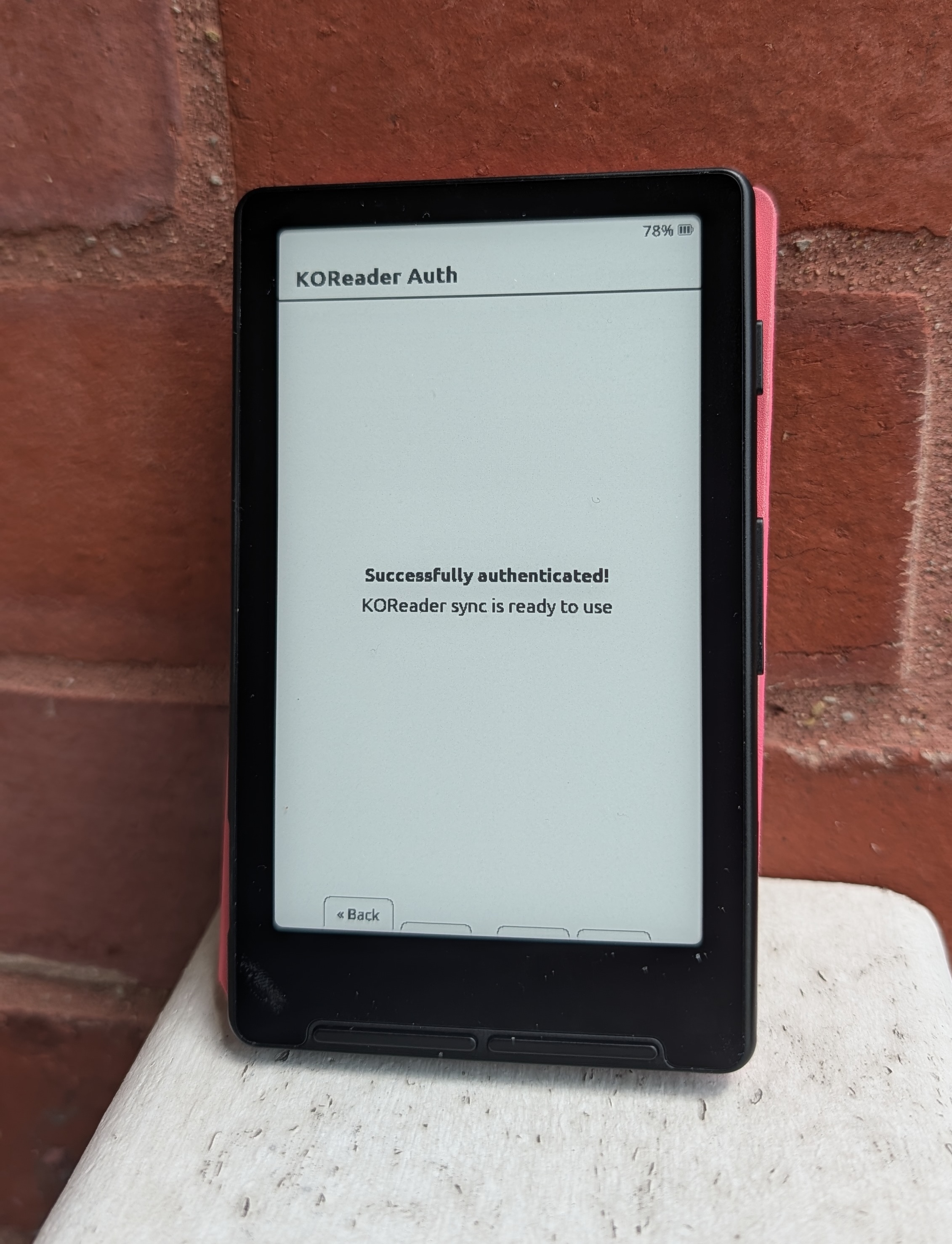
I have been using KOReader very happily since I wrote about it back in early April 2025. (I’ve been thinking about writing about all the cool stuff I’ve done with KOReader in the year and change since that post — but “tiny e-reader” comes first!) As a result, I was very pleased to see that CrossPoint includes support for syncing progress with KOReader synchronization servers. I can easily keep my place in a book and switch between reading in KOReader on my phone, PocketBook or tiny e-reader.
In CrossPoint, the KOReader sync server, username and password are configured in Settings > System. Once that’s done, open a book and long press the second button from the left and choose Sync Progress. Choose whether to apply remote progress or upload local progress and Confirm. During this process, you’ll be prompted to connect to Wi-Fi if you aren’t already.
The KOReader sync server I’m using stores everything in SQLite so we can take a peek at how things look behind the scenes:
$ sqlite3 ./koreader-sync.db "SELECT u.username,
    substr(p.document, 1, 10),
    printf('%.1f%%', p.percentage * 100), p.device,
    strftime('%H:%M', p.timestamp, 'unixepoch', 'localtime')
    FROM progress p JOIN users u ON p.user_id = u.id
    ORDER BY p.id DESC LIMIT 3;"
brie|92df04c5a9|100.0%|blazer|01:49
brie|0b18001e84|2.7%|PocketBook|02:35
brie|97b39a67de|29.7%|CrossPoint|13:09
You’re seeing progress in three different books on three different devices:
blazer: my phone, Pixel 10 ProPocketBook: my PocketBook Verse ProCrossPoint: my Xteink X4
The document where progress is 29.7% from CrossPoint shows my progress in The Count of Monte Cristo (my current pick for book club). In the SQLite database, the book is the key so you’re seeing a list of books and which device I used most recently to read each book. (I suspect that typical readers of my blog will care about this detail but most people can safely ignore this even when self-hosting.)
The public sync.koreader.rocks server also works well with CrossPoint if you prefer not to self-host.
📖 Transferring books and wallpapers wirelessly
The Xteink X4 accepts .epub files so my existing library is all ready to go. It currently ships with a 32 GB microSD card and supports expansion up to 512 GB.
There are a couple of convenient options for wirelessly transferring books to the X4 when using CrossPoint Reader: via the Web interface or using OPDS. To connect to the Web interface, go to File Transfer on the X4 and select Hotspot Mode.
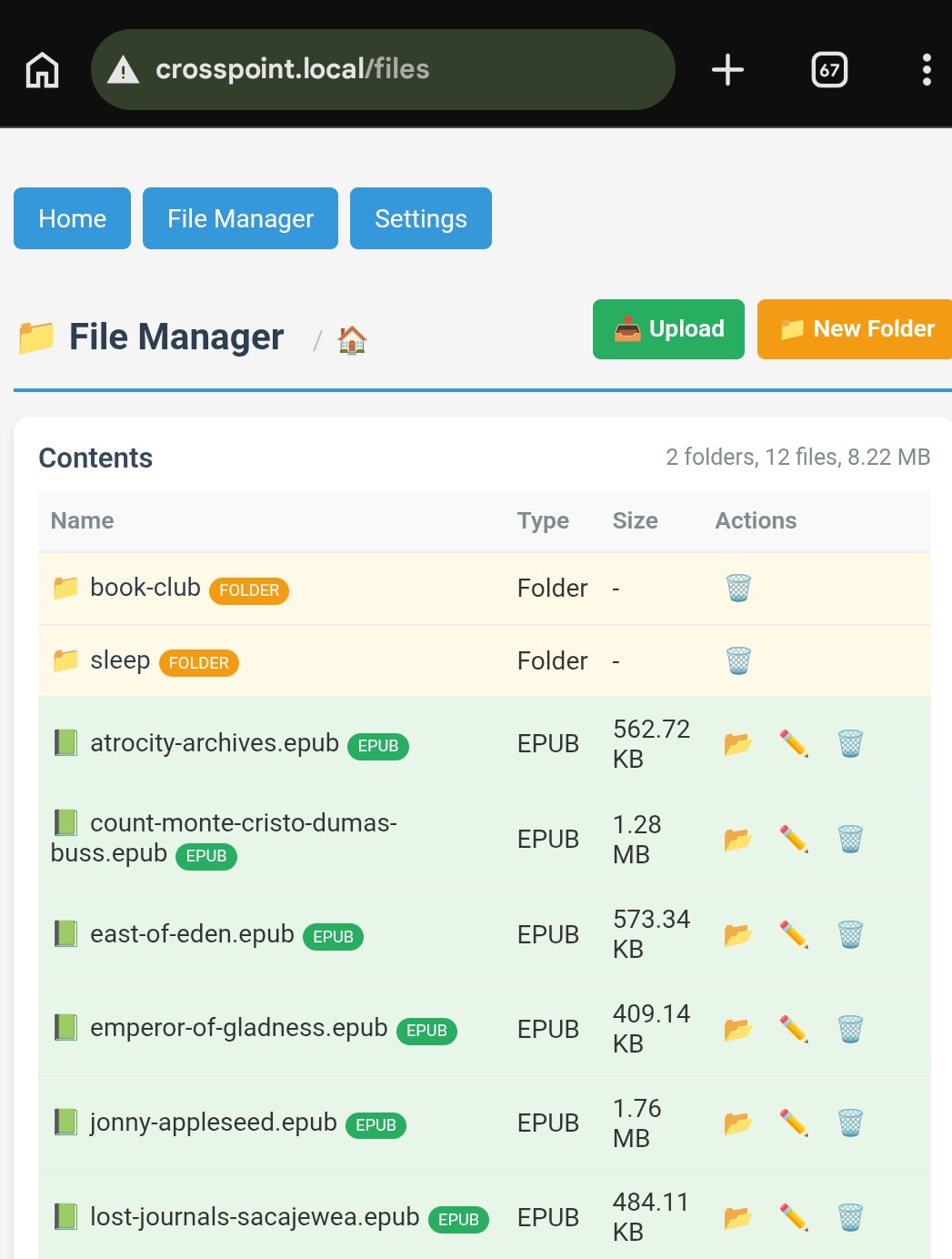
Once connected browse to http://crosspoint.local where you can upload files or configure your OPDS server — including Calibre.
While you are there, you can also configure your KOReader Sync Server and a host of other settings.
🛠️ Hardware
👀 A Peek Inside
In case you are curious to know: the Xteink X4 is built on the ESP32-C3. If you want to see inside the device, take a look at sunwoods/Xteink-X4.
🔌 Battery Life
The 650 mAh battery on the Xteink X4 is pretty good! WiFi is usually toggled off. I charge it every now and then (whenever I think about it) and haven’t seen the battery dip below 80%.
👏 Form Factor
The Xteink lists the dimensions of the X4 as:
- 114 × 69 × 5.9 mm (4.49” × 2.72” × 0.23”)
I really like how easy it is to carry it anywhere. Although the initial sell was that this device was an accessory for my phone, I haven’t used it that way. I use it as a standalone device. I carry it in the case from Xteink without magnetically securing it to my phone. The $8.99 USD case is secured magnetically to the tiny e-reader.
🌠 Wish List
While I love this little e-reader, there are things I would want to change about the hardware or software to improve the experience.
- ➕ Add a backlight to make reading easier in low light conditions
- 💅 Customize device name when syncing progress with KOReader Sync Server — this is a feature in KOReader that I want in CrossPoint
- 📶 Enable Bluetooth LE beacon mode to make finding it easier since it’s so tiny
- 🔌 Move the USB-C port so that I can charge the device while it’s inside a closed folio
I also want to be able to highlight passages and take notes. Although that feels like a big ask at this size and price point, this is a technical possibility given the chip in use.
💖 From the Heart
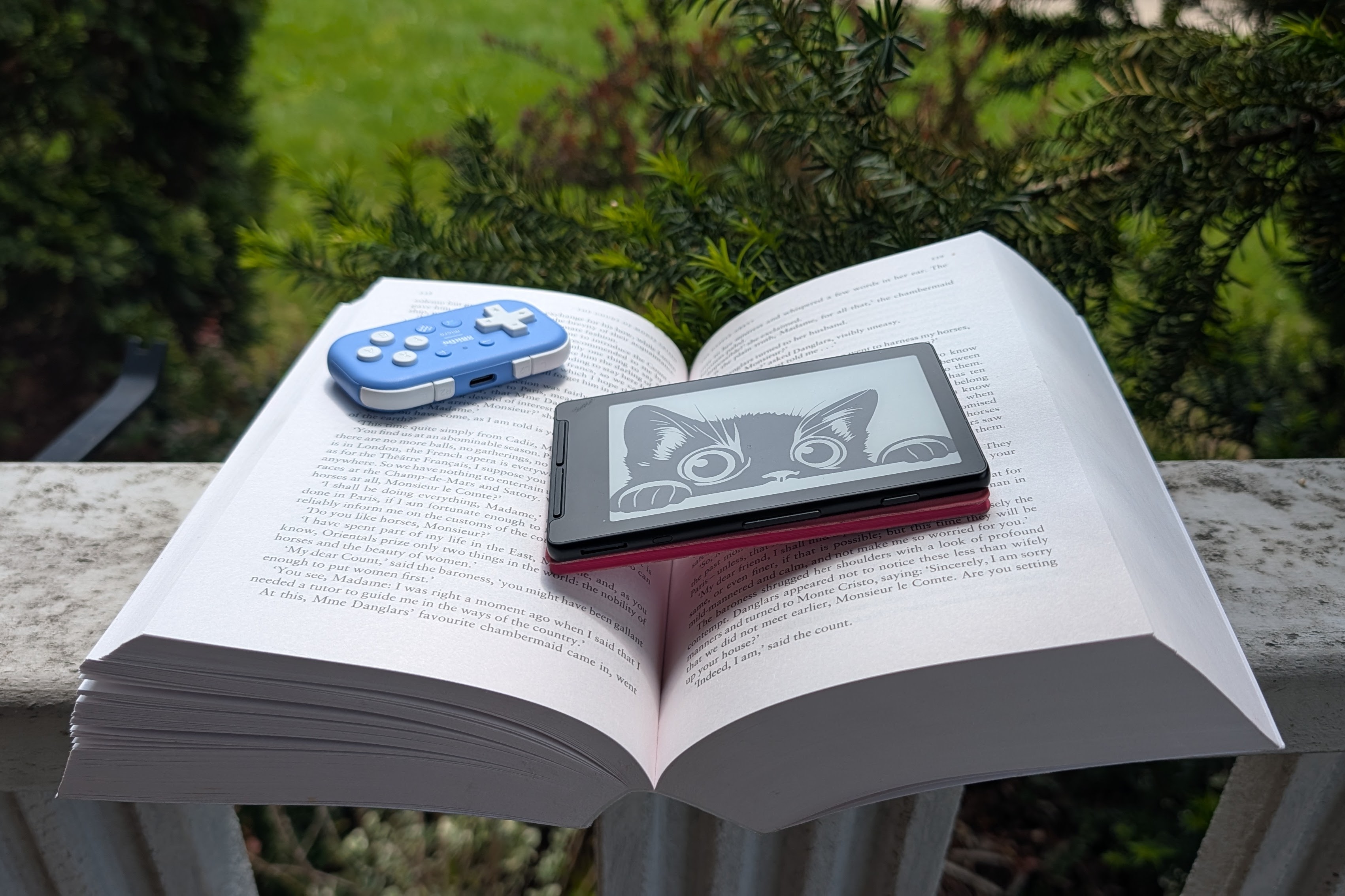
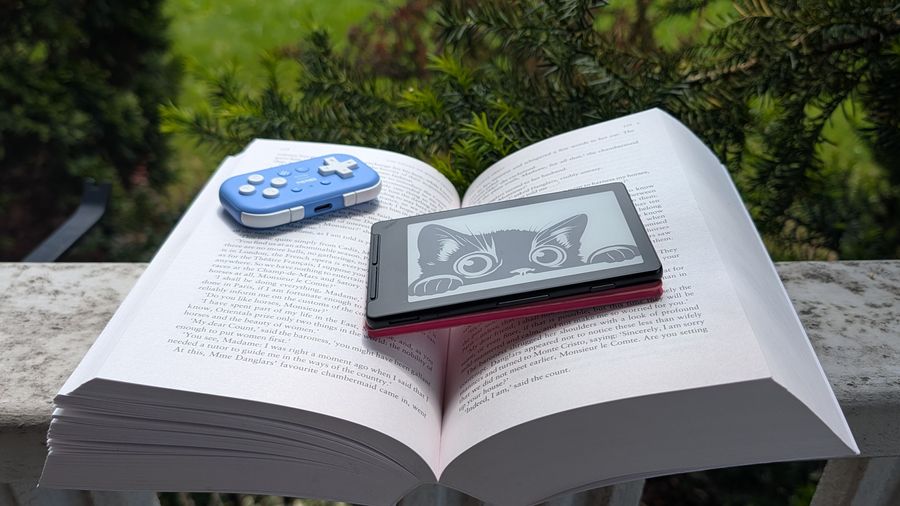
The blue controller in the background is the 8BitDo Micro Bluetooth Gamepad.
All told, I am happy enough with this tiny e-reader to actually enjoy using it to read the absolute tome that is Robin Buss’ unabridged translation of The Count of Monte Cristo.
If you made it this far: I hope you consider picking up a tiny e-reader. If you don’t mind a little bit of tinkering to get it set up, it’s totally worth it. I’ve set up all kinds of different gadgets and devices over the years and the Xteink X4 is surprisingly easy to set up. Given the “just try it” price point, I expected it to be a pain but this is all-around awesome. And guess what? By reading what I have written here, you have completed the preliminary research needed to (start to) justify the purchase. If you grab one, let me know how you like it on Mastodon!
🤭 I might have to get the $79 USD Xteink X3 (an even tinier version with NFC and a gyroscope), for research.
Be well.
— Brie